

Social media for construction companies works when you run it as a simple weekly system: capture job photos, schedule a few posts, send every click to a tracked link and review the leads each month.
Most contractors post when they feel inspired and stop when the season gets busy. As a result, their profiles go quiet for weeks. In this guide, I show the mechanics step by step, so one person can run the whole system in about two hours a week.
Social media for construction companies will not replace referrals or Google. However, it gives buyers a place to check your work before they call. That check matters, because the audience is large. Pew Research Center reports that 84% of U.S. adults say they ever use YouTube, 70% use Facebook and 51% use Instagram, based on a survey fielded from January to June 2026.
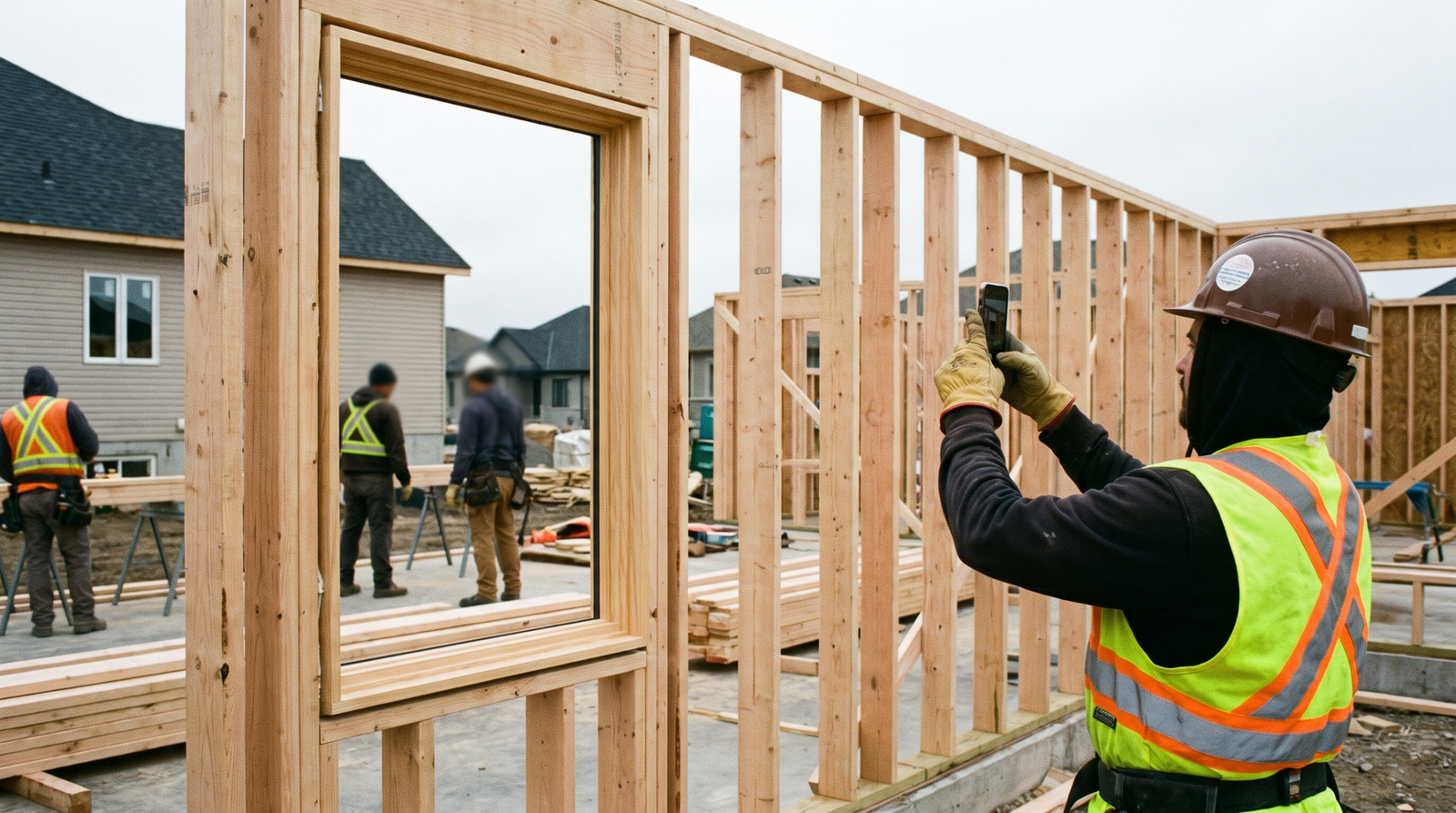
Step 1: Pick two platforms and one goal
Trying to be everywhere is the fastest way to burn out. Therefore, keep social media for construction companies narrow: choose two platforms and one goal for the next 90 days.
- Facebook and Instagram suit homeowners, renovators and residential trades.
- LinkedIn suits commercial contractors, developers and building product firms.
- YouTube suits long how-to videos that keep earning views for years.
Next, set a single goal, such as ten quote requests a month from social. A clear goal makes every later decision easier.
Step 2: Build a content bank from real jobs
You already create the best content on every job. You only need to capture it. Social media for construction companies runs on proof, so keep it real and keep it simple.
The photo routine
- Take five photos at the start of a job: the site, the problem and the plan.
- Take five more at the midpoint: the work in progress and the crew.
- Take ten at the finish: wide shots, details and a before-and-after pair.
- Save everything into one shared folder named by job and date.
- Write a two-line note for each job: the scope, the location type and the challenge.
Always ask the client before you post their home, and remove house numbers and licence plates. Moreover, never invent results or testimonials. The FTC bans fake reviews and testimonials, and that includes buying fake followers.
Step 3: Set up a simple content calendar
A content calendar is a shared sheet that lists what you post, where and when. Keep it to three posts a week per platform. In addition, rotate through four post types so your feed stays varied.
| Post type | Example | Goal |
|---|---|---|
| Project showcase | Finished kitchen with a short caption | Prove quality |
| Process | Time-lapse of a framing day | Build trust |
| Advice | Three questions to ask before hiring a roofer | Earn saves and shares |
| People | Crew member of the month | Show the team |
Batch the work, because social media for construction companies only sticks when it is easy. For example, spend one hour on Monday writing captions and loading posts into a scheduling tool. After that, the posts publish on their own all week.

Step 4: Schedule posts and answer fast
Scheduling tools such as Meta Business Suite let you queue posts in advance. Afterwards, check your messages twice a day. Buyers who send a direct message expect a reply within hours, so a slow answer loses the job.
Add Google Business Profile posts
Google lets you add updates, offers and events to your listing. According to Google Business Profile help, posts are generally visible for six months and can be scheduled. Consequently, reuse your best project photo and caption there each week.
Step 5: Track every click with UTM links
Without tracking, you cannot tell which post produced a lead. A UTM link solves that problem by adding tags to your web address. Google explains that you should always use utm_source, utm_medium and utm_campaign so GA4 can credit the right channel.
Here is a working pattern:
- utm_source: facebook, instagram or linkedin
- utm_medium: social
- utm_campaign: the post or offer name, such as spring-roof-checkup
Put the tagged link in your bio and in each post. Then follow the setup in our guide to GA4 for contractors so form fills and calls count as conversions.
Step 6: Measure monthly and fix one thing
Once a month, open a simple report with five numbers: reach, engagement rate, link clicks, leads and cost per lead if you run ads. Compare them with last month. Then change one thing, such as the posting time or the type of photo.
Connect your leads to a pipeline as well. Our post on CRM for remodelers shows how to log each enquiry with its source, so you can see which platform pays.
Social media for construction companies: when to add paid ads
Organic posts reach people who already follow you. Paid posts reach new people in your service area. Start paid social only after you have a tracked link, a clear offer and a way to answer leads quickly. Begin small, then scale what works. For channel context, see our overview of social media marketing and the related guide on social media marketing for interior designers.
Plain-English glossary
Tap any term below for a simple explanation.
Content calendar (a posting schedule)
A shared sheet that lists what you will post, on which platform and on which day. It keeps you consistent.
Reach (how many people saw it)
The number of different people who saw your post at least once.
Engagement rate (how many people reacted)
The share of viewers who liked, commented, saved or shared. Divide total reactions by reach to work it out.
UTM link (a tracked web address)
A normal link with extra tags added at the end. The tags tell Google Analytics which post or platform sent the visitor.
GA4 (Google Analytics 4)
Google’s free tool that shows who visits your website and what they do there, such as calling or filling in a form.
Conversion (a lead action)
Any visitor action you care about, such as a phone call, a quote form or a booked estimate.
CPL (cost per lead)
What you pay to get one enquiry. Divide your ad spend by the number of enquiries it produced.
GBP (Google Business Profile)
Your free business listing on Google Search and Maps, where you can post updates and collect reviews.
CRM (customer relationship management)
A simple system that stores every lead, where it came from and what happens next.
Organic and paid (free versus bought reach)
Organic posts reach people for free through your followers. Paid posts are ads you pay to show to new people.
Scheduling tool (a post queue)
Software that publishes your posts at set times, so you can write them all in one sitting.
Where Brand Builds fits
Brand Builds runs social media for construction, design and hardware companies in Canada and the US, from posting systems to tracking. See how we do it on our social media marketing page, check plans on pricing (from $2,100 CAD a month, about US$1,500), and book a free marketing audit.
Frequently asked questions
Three posts a week per platform is enough for most firms. Consistency matters more than volume, so choose a pace you can keep during busy season.
Facebook and Instagram work best for residential trades. LinkedIn works best for commercial contractors and building product firms.
Use UTM links on every post and bio, then count form fills and calls in GA4. Log the source of each enquiry in your CRM as well.
Not at first. Build a content bank and tracking first, then add paid posts to reach new homeowners in your service area.
No. Ask for permission first and remove house numbers, faces and licence plates. Real project photos are the strongest content you have.

