

Google ads for contractors cost two things: the money Google charges each time someone clicks, and the fee for whoever builds and manages the campaign.
Many owners only hear the first number and get surprised by the second. Others sign up, spend a month of budget and see nothing. This guide explains the costs of google ads for contractors in plain language, so you know what to expect before you spend a dollar.
It applies whether you work in Toronto, Texas or anywhere between. Prices below appear in both Canadian and US dollars.
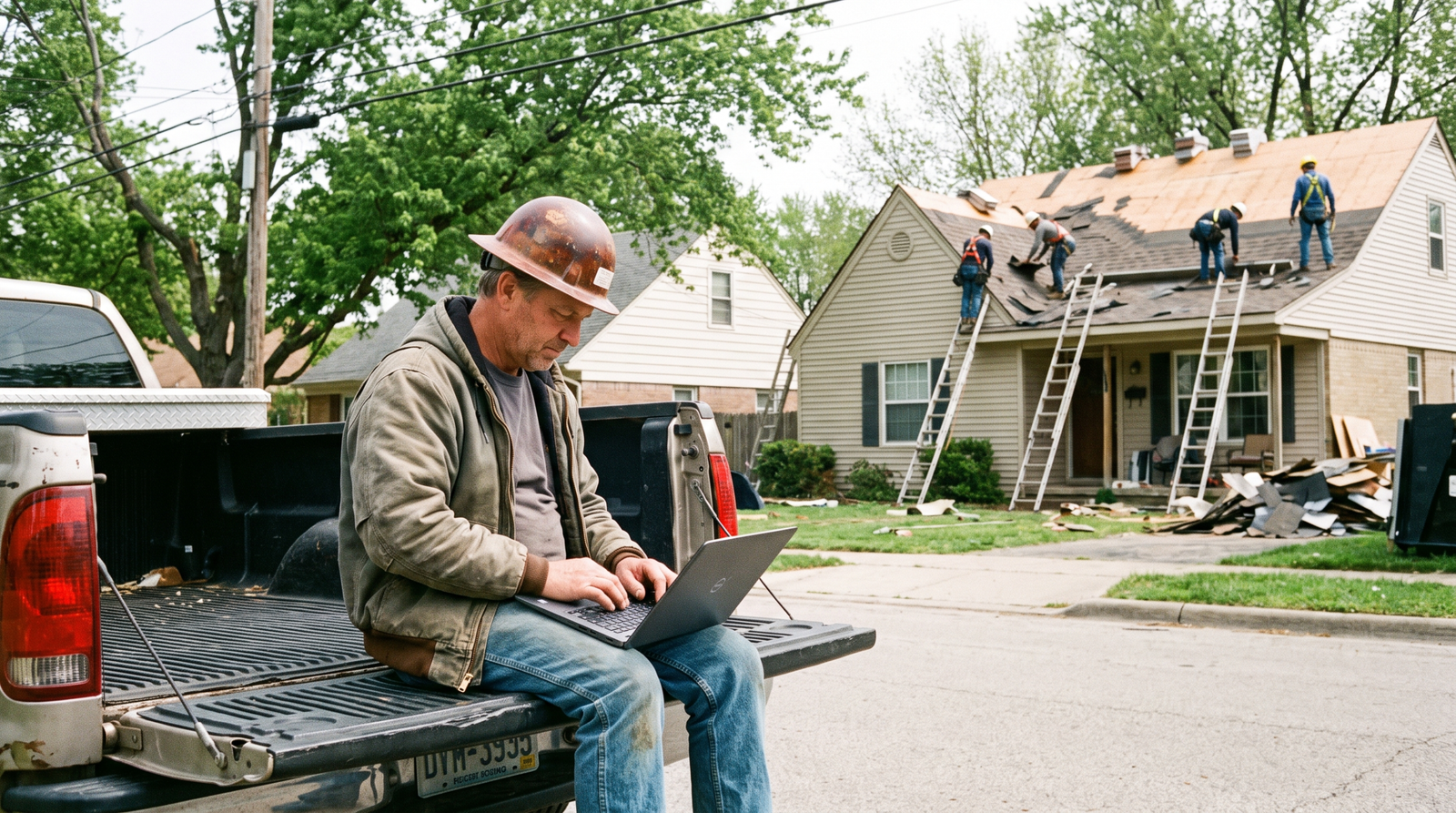
How Google ads for contractors work
When a homeowner searches for “roof repair near me”, Google shows a few ads above the normal results. You pay only when someone clicks your ad. That is why people call it pay-per-click.
You choose the searches you want to appear for, set a daily budget and write the ad. Google then runs a quick auction every time someone searches. Your bid, your ad quality and your website all affect whether you show up and what you pay.
The two bills you will see
- Ad spend: money paid to Google for clicks. You set the cap.
- Management fee: what an agency or freelancer charges to set up and run the account.
Some agencies bundle both into one price. Others charge a flat fee, plus a percentage of spend. Always ask which model you are getting.
What each click costs
Costs vary by trade, city and season. However, published benchmarks give a useful starting range. LocaliQ analyzed client accounts between May 2020 and June 2021 and reported these median figures for home services search ads in US dollars.
| Trade | Cost per click | Cost per lead |
|---|---|---|
| Plumbing | US$8.67 (about CA$12) | US$48.91 (about CA$68) |
| Heating and furnaces | US$7.92 (about CA$11) | US$62.18 (about CA$86) |
| Roofing and gutters | US$9.03 (about CA$12.50) | US$101.49 (about CA$141) |
| Landscaping | US$4.10 (about CA$5.70) | US$38.47 (about CA$53) |
The source is LocaliQ’s home services advertising benchmarks. The data is a few years old, and it does not cover every trade, so use it as a rough guide. Your real numbers will depend on your market.
Why costs differ so much
Emergency searches cost more, because the buyer needs help now. Big cities cost more because more companies compete. Meanwhile, a weak website can push your costs up, because Google rates your ad lower.
How much budget do you need?
You set a daily budget, and Google spends against it. According to Google Ads Help, most campaigns can spend up to twice the average daily budget on any single day. They are capped at 30.4 times the daily budget in a month.
For example, a daily budget of CA$50 (about US$36) means a monthly limit of about CA$1,520 (about US$1,094). On a busy day, Google could spend up to CA$100 (about US$72).
A simple example
This is an illustration, not a promise. Say you spend CA$1,400 (about US$1,000) in a month, and clicks average CA$12 (about US$8.50). That buys roughly 115 clicks. If one in ten clicks becomes an enquiry, you get about 12 leads. At that point, your cost per lead sits near CA$115 (about US$83).
Then you divide again by how many leads turn into jobs. That final number tells you whether the ads pay off.
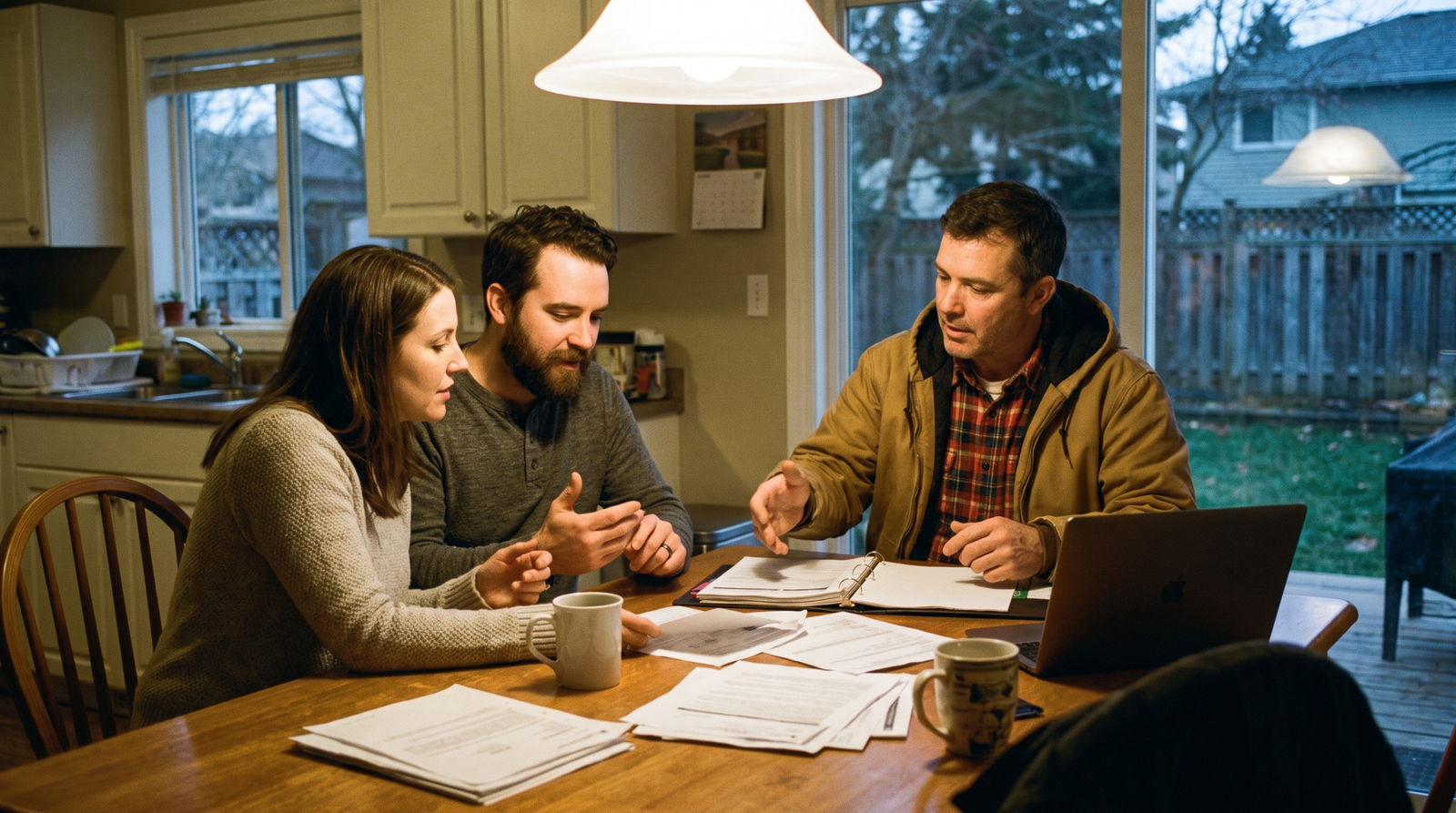
What you should get for your money
A good campaign does more than send clicks. For your fee, you should see several clear things.
- A set-up that targets your service area and your best-paying jobs.
- A list of blocked search terms, so you do not pay for jobs you do not want.
- Call and form tracking, so every enquiry is counted. Google explains how to measure calls from ads in its Help Center.
- A landing page that matches the ad.
- A monthly report in plain language.
If you want to see how a campaign is built, read our Google Ads campaign structure guide. For a wider view of paid search, see PPC for contractors.
Red flags when hiring someone to run your ads
Not every provider plays fair. Watch out for these warning signs.
- They will not give you access to your own Google Ads account.
- They promise a fixed number of leads or guaranteed rankings.
- They report clicks and impressions but never calls or booked jobs.
- They lock you into a long contract with no exit.
Our article on agency red flags covers more. Also, ask about related questions before you sign, such as who owns the account and how reporting works.
Three mistakes that waste budget
Even a fair budget disappears fast when the basics are wrong. Fortunately, these three problems are easy to spot.
Paying for the wrong searches
Without a blocked-terms list, your ad can show for “free roof estimate” or “roofing jobs hiring”. As a result, you pay for clicks that will never become customers. A good manager reviews the search report weekly and blocks the waste.
Sending clicks to your home page
A homeowner who clicks a gutter ad wants gutter information. If they land on a general page, many leave. Instead, send each ad to a page about that exact service, with a clear phone number and form.
Not counting phone calls
Most contractor leads call rather than fill in a form. If you only count forms, you will think the ads fail when they work. Strong google ads for contractors always track calls, because that is where the money arrives.
Questions to ask before you hire
Use this short list on every sales call. A confident provider answers each one clearly.
- Who owns the Google Ads account, and will I have full access?
- How do you track calls and forms back to booked jobs?
- What is the fee, and is ad spend billed separately?
- How often will I get a report, and what will it show?
Ads, SEO or both?
Ads bring leads quickly, but they stop when the budget stops. Search optimization builds slower, yet it keeps working. Therefore, many contractors start with ads for fast calls and add construction SEO for lasting results. Our contractor marketing strategy guide shows how to split a small budget between the two.
Where Brand Builds fits
Brand Builds manages Google Ads for contractors and tracks every call and form back to a booked job. Plans start at $2,100 CAD a month (about US$1,500), as shown on our pricing page, and you can book a free marketing audit to see what your ads should cost in your market.
Frequently asked questions
There is no single number. Many contractors begin with a monthly budget they can afford to test for three months, then adjust based on cost per lead and booked jobs.
LocaliQ reported median search costs from about US$2.94 to US$9.03 per click across home service trades in 2020 and 2021. Your market may differ.
Sometimes on a single day, yes. Google Ads Help says most campaigns can spend up to twice the daily budget on one day, but monthly spend is capped at 30.4 times the daily budget.
Ads can send clicks within days of launch. However, expect a few weeks of tuning before the cost per lead settles.
If you have the time to learn tracking and keywords, you can start alone. Otherwise, an agency with construction experience can save wasted spend.

