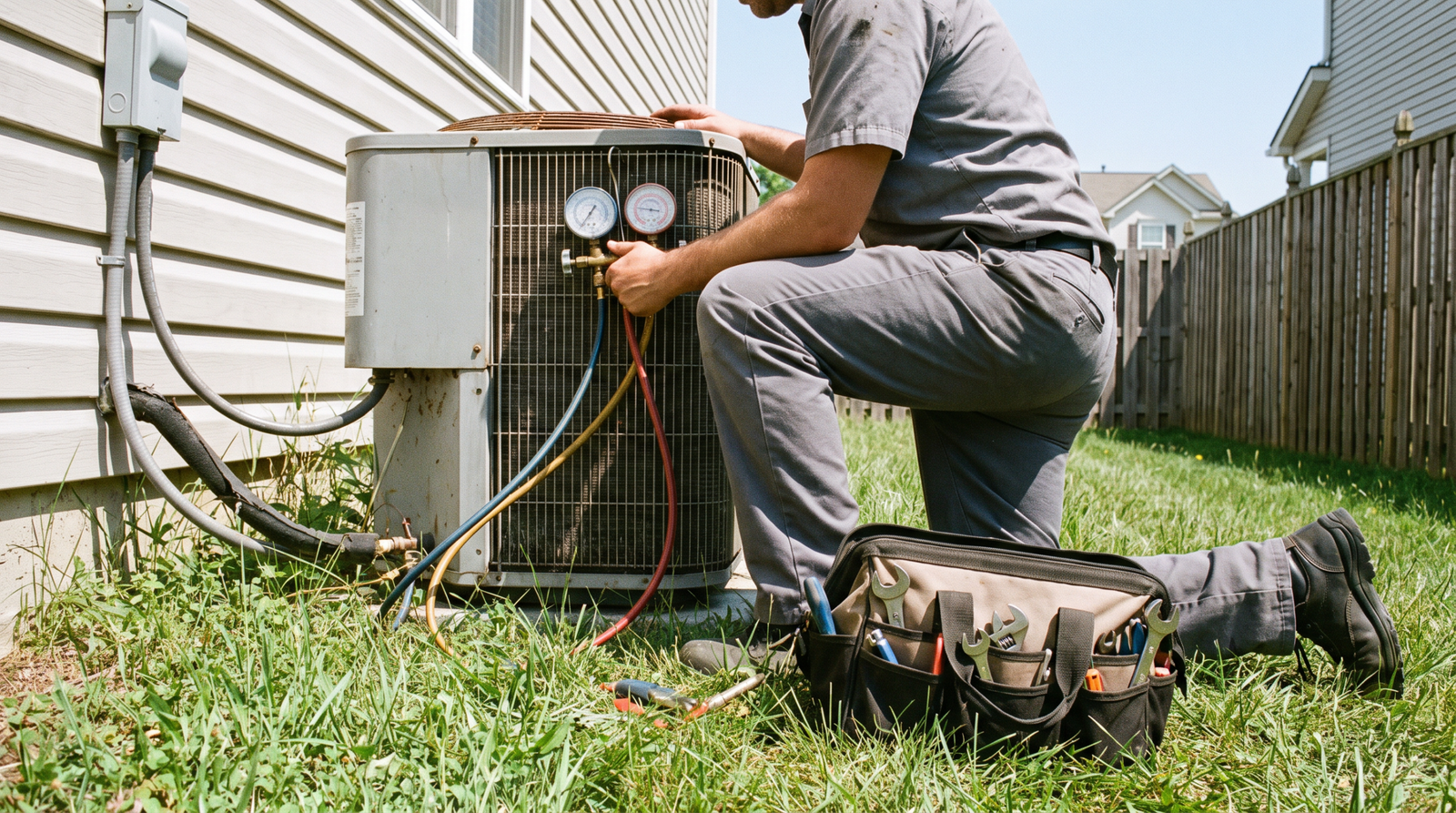
SEO for plumbers is the step-by-step work of making your business show up on Google when someone nearby searches for a plumber, and then turning that search into a call.
Plumbing searches split into two groups. Some people have water on the floor and need help now. Others are planning a water heater, a repipe or a bathroom rough-in. Therefore, your setup has to serve both.
This guide to SEO for plumbers walks through seven steps in order. It applies to plumbing companies in the United States and Canada, and each step lists what to check afterwards.

How SEO for plumbers works on Google
A local search returns two kinds of results. First comes the map pack, which shows three businesses on a map. Below that sit the normal website results. As a result, you need both a strong Google Business Profile and a clear website.
Google explains that local results are mainly based on relevance, distance and prominence. Relevance is how well your profile matches the search. Distance is how far you are from the searcher. Prominence is how well known your business is. You cannot change distance, so the steps below work on the other two.
Competition is real. The US Bureau of Labor Statistics counted about 510,600 plumber, pipefitter and steamfitter jobs in 2025. Consequently, most towns have several firms chasing the same searches.
Steps 1 to 3: set up your Google Business Profile
Tap each step to open it.
Step 1: Claim and verify the profile
Search your business name on Google and claim the profile. Then complete verification. Choose Plumber as the primary category. Next, add secondary categories that fit, such as drainage service or water heater installation.
Step 2: Fill in every field
Add your phone number, hours, service areas and services. If you offer emergency calls, set your hours to match. Google states that businesses with complete and accurate information are more likely to show up in local results.
Step 3: Add real photos every month
Upload photos of your vans, your team and finished work. Avoid stock images. After that, add three or four new photos each month so the profile stays active.
For a full walk-through, use our Google Business Profile optimization checklist.
Step 4: build one page per service and per area
Many plumbing websites list every service on one page. However, Google ranks pages, not websites. Therefore, give each main service its own page. Then add a page for each town you truly serve. Good SEO for plumbers depends on this structure more than on any trick.
| Page type | Example | What to include |
|---|---|---|
| Emergency service | Emergency plumber | Phone number at the top, hours, response area |
| Planned service | Water heater installation | Process, options, typical timeline, photos |
| Service area | Plumber in your town | Local jobs, neighbourhoods, reviews from that area |
Write each page in plain language. Put the service and the town in the page title and the first paragraph. In addition, place a click-to-call button near the top on mobile.
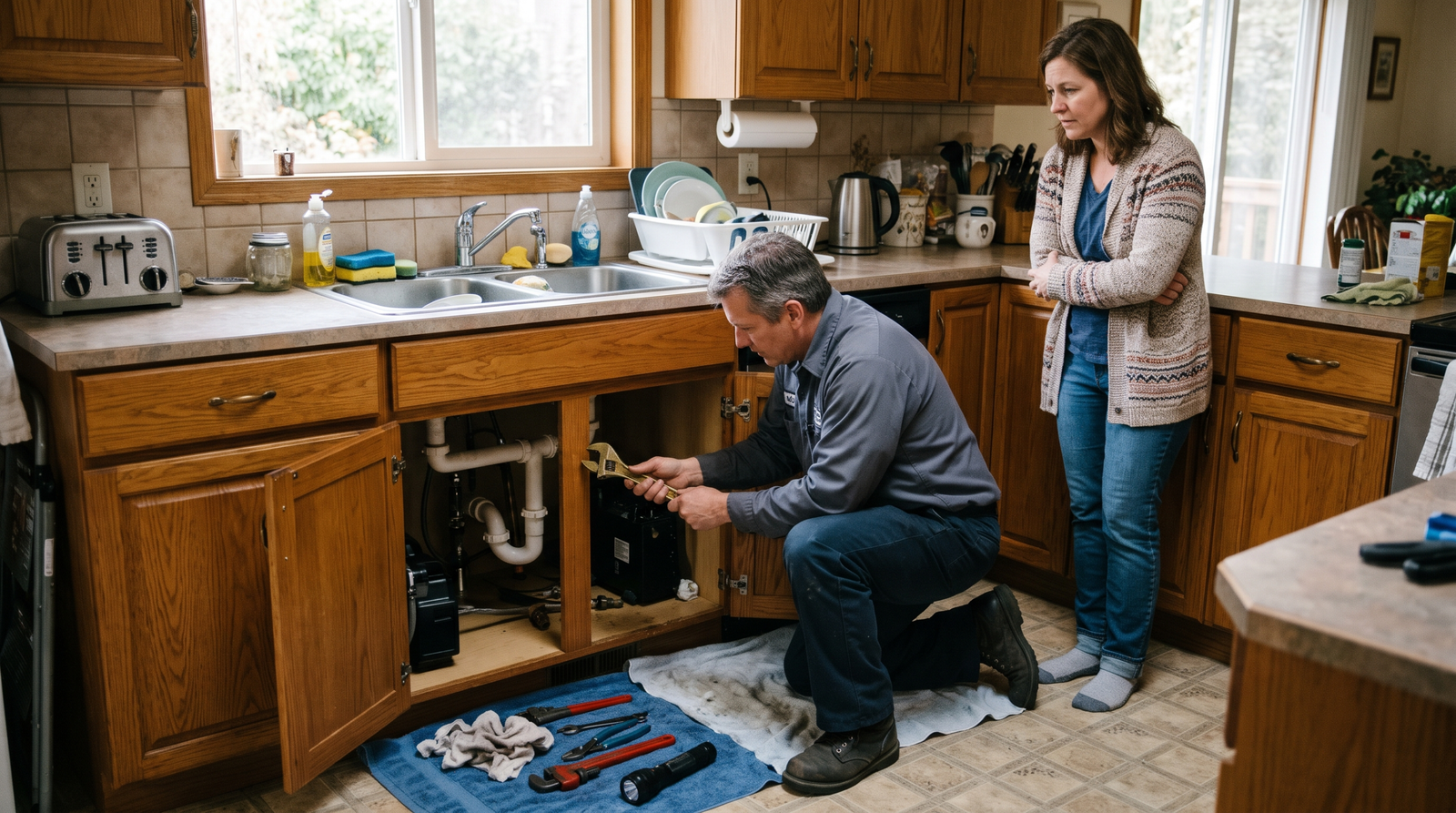
Step 5: collect and answer reviews
Reviews affect both ranking and trust. Google says more reviews and positive ratings can help your local ranking. Buyers agree. BrightLocal’s 2026 survey of US consumers found that 97% read reviews for local businesses.
The same survey reported three findings that matter for plumbers:
- 74% only care about reviews written in the last three months.
- 47% will not use a business with fewer than 20 reviews.
- 89% expect business owners to respond to reviews.
So build a routine. First, send a review link by text when the job closes. Next, reply to every review within a week. Finally, check the count monthly, because recent reviews matter most.
Step 6: add schema and fix the basics
Schema is a short piece of code that tells Google your business type, address, hours and service area. Our guide to local business schema markup shows how to add it. Meanwhile, check three basics:
- The site loads quickly on a phone.
- Your name, address and phone number match everywhere online.
- Every page has a unique title.
Then list your business in the main directories. These listings, often called citations, support prominence. Likewise, a link from a local supplier or trade association counts as a backlink, which also helps.
Step 7: measure calls, not rankings
Rankings change by street, so they mislead. Instead, track what the searches produce. Connect Google Search Console to see which searches show your site. Our Google Search Console for contractors guide covers the monthly routine.
Check these numbers once a month:
- Calls and direction requests from your Google Business Profile.
- Clicks and impressions for each service page.
- New reviews received.
- Booked jobs that started with a search.
SEO for plumbers takes months to build. If you need calls sooner, run ads beside it. Our Google Ads for plumbers setup explains how. For the bigger picture, read plumbing contractor marketing.
Plain-English glossary
Tap any term below for a simple explanation.
SEO (search engine optimization)
The work of helping your business appear higher on Google without paying for each click.
Map pack
The box of three local businesses shown on a map near the top of a Google search.
Google Business Profile
Your free business listing on Google Search and Maps. It shows your phone number, hours, photos and reviews.
Schema
A small piece of code on your website that tells Google plain facts about your business, such as hours and service area.
Citation
Any online listing of your business name, address and phone number, such as a directory page.
Backlink
A link from another website to yours. Google treats good ones as a sign that your business is trusted.
Google Search Console
A free Google tool that shows which searches display your website and how many people click.
Impressions
The number of times your page appeared in search results, whether or not anyone clicked.
Where Brand Builds fits
Brand Builds runs construction SEO for trades, including the profile, pages, reviews and tracking described above. Plans start at $2,100 CAD a month, about US$1,500, and you can compare them on our pricing page. To see where your plumbing company stands today, book a free marketing audit.
Frequently asked questions
It is the work of making a plumbing company appear in Google Search and Maps when nearby customers look for a plumber, using a complete business profile, clear service pages, reviews and basic technical fixes.
Expect months, not weeks. Profile fixes and new reviews can help sooner, while new service pages usually need longer to earn steady visibility. Run ads beside SEO if you need calls right away.
Yes. Google states that more reviews and positive ratings can help local ranking. BrightLocal found in 2026 that 97% of consumers read reviews for local businesses.
Create a page for each town you truly serve and can show real work in. Avoid copying one page and swapping the town name, because thin pages rarely help.
It depends on the number of services and areas. Brand Builds plans start at $2,100 CAD a month, about US$1,500.