
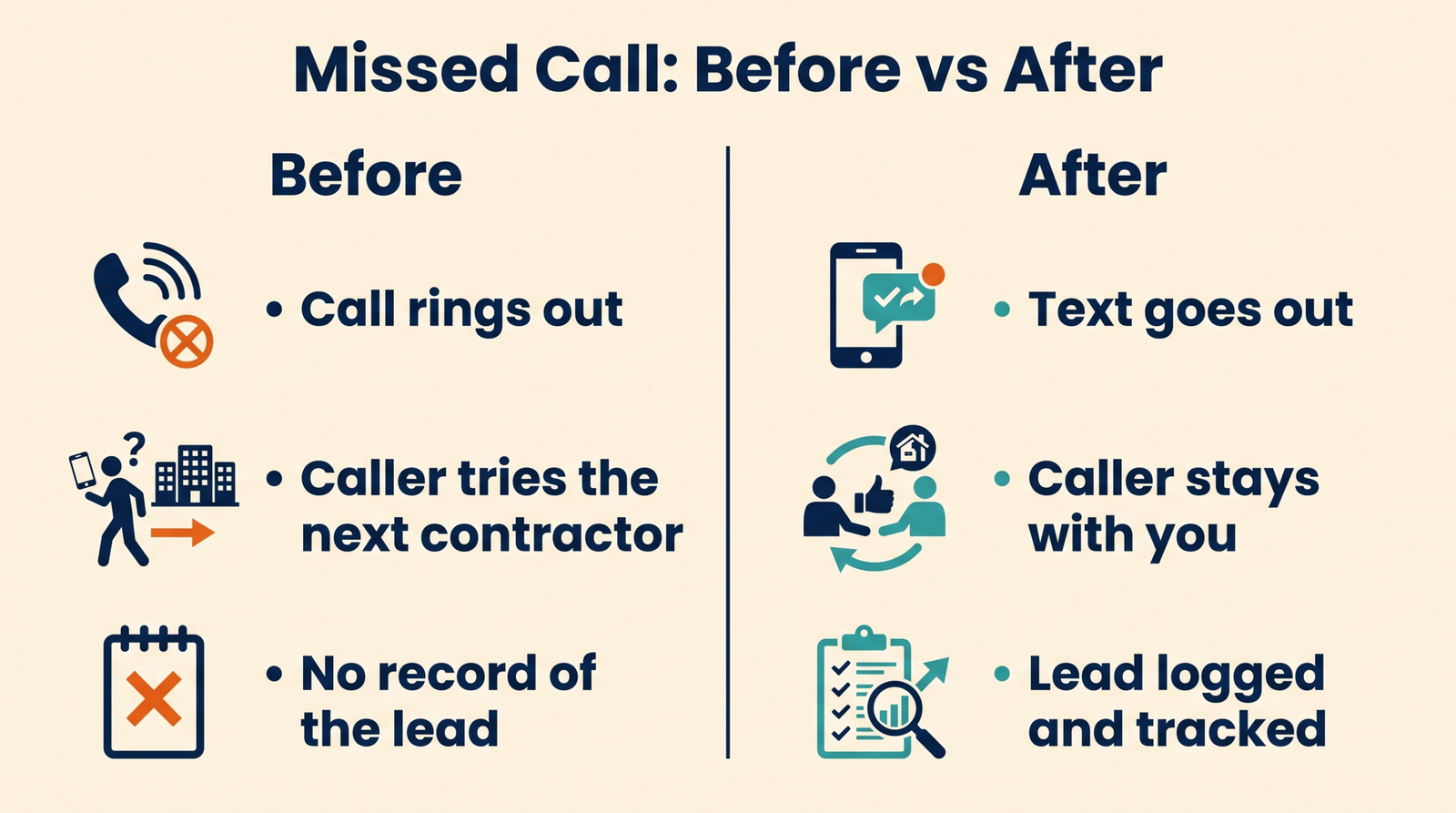
Missed call text back for contractors is an automatic text message that goes out within seconds of a call you could not answer, so the caller stays with you instead of dialling the next company.
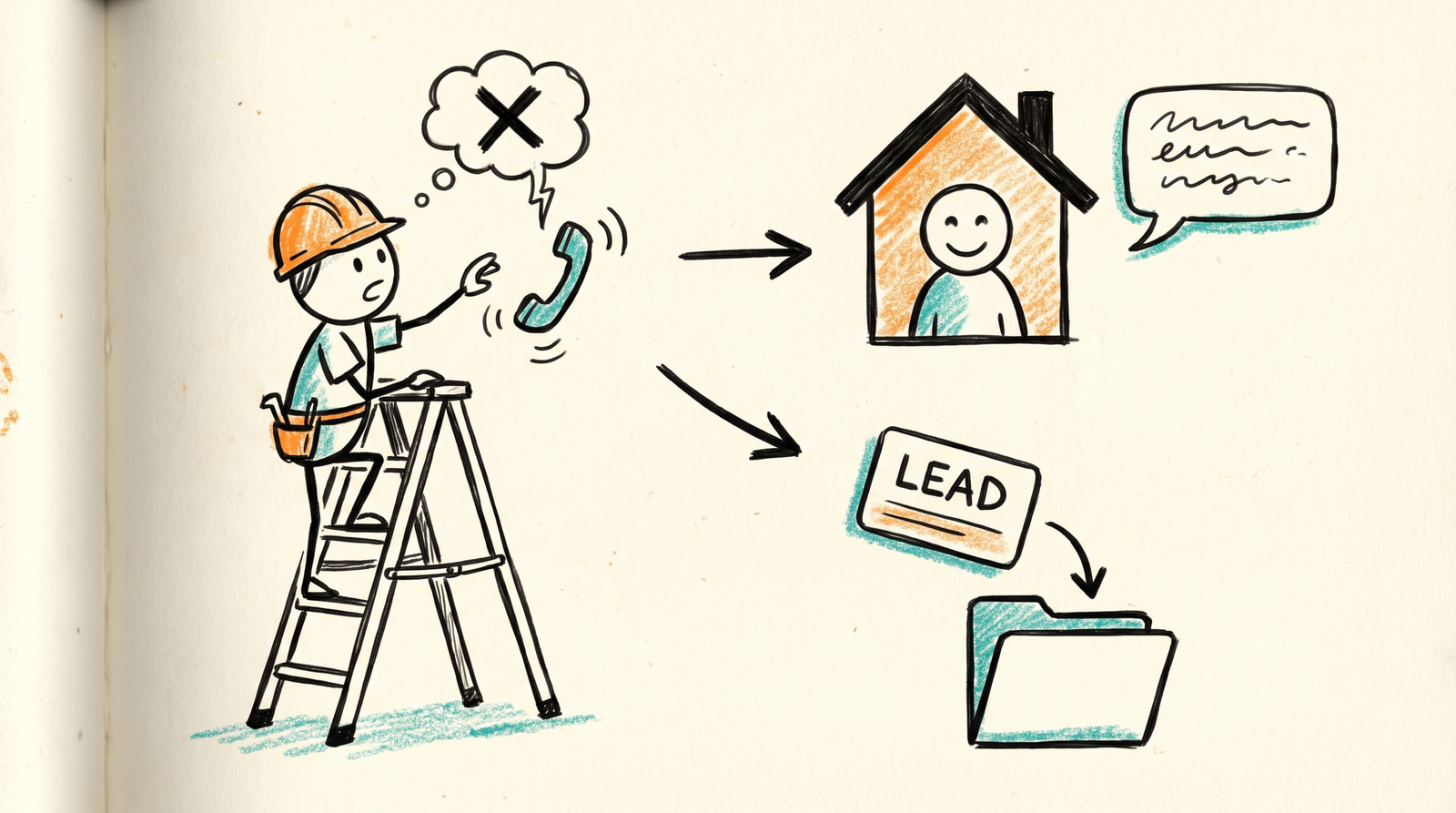
Contractors miss calls for good reasons. You are on a ladder, in a crawlspace or running a saw. The phone rings in your pocket, and the caller moves on to the next name in the search results.
The fix is simple, and it costs little. This guide explains how missed call text back works, how to set it up step by step, and how to stay on the right side of the texting rules in Canada and the US.

Why missed calls cost contractors jobs
A person who needs a roofer, an electrician or a window installer rarely calls just one company. Instead, they call two or three and talk to whoever answers first. Therefore, a missed call often means a lost job.
Speed matters for the same reason. A Harvard Business Review study of 1.25 million inbound leads, summarized by CrankWheel, found that reps who responded within an hour were seven times as likely to qualify the lead as reps who waited longer. A text that lands in seconds buys you that hour, even when you cannot pick up.
How missed call text back works
The idea is easy to picture. Your phone system watches for calls that go unanswered. When one happens, it sends a short text to that number and records the caller in your CRM.
Here are the five steps in order:
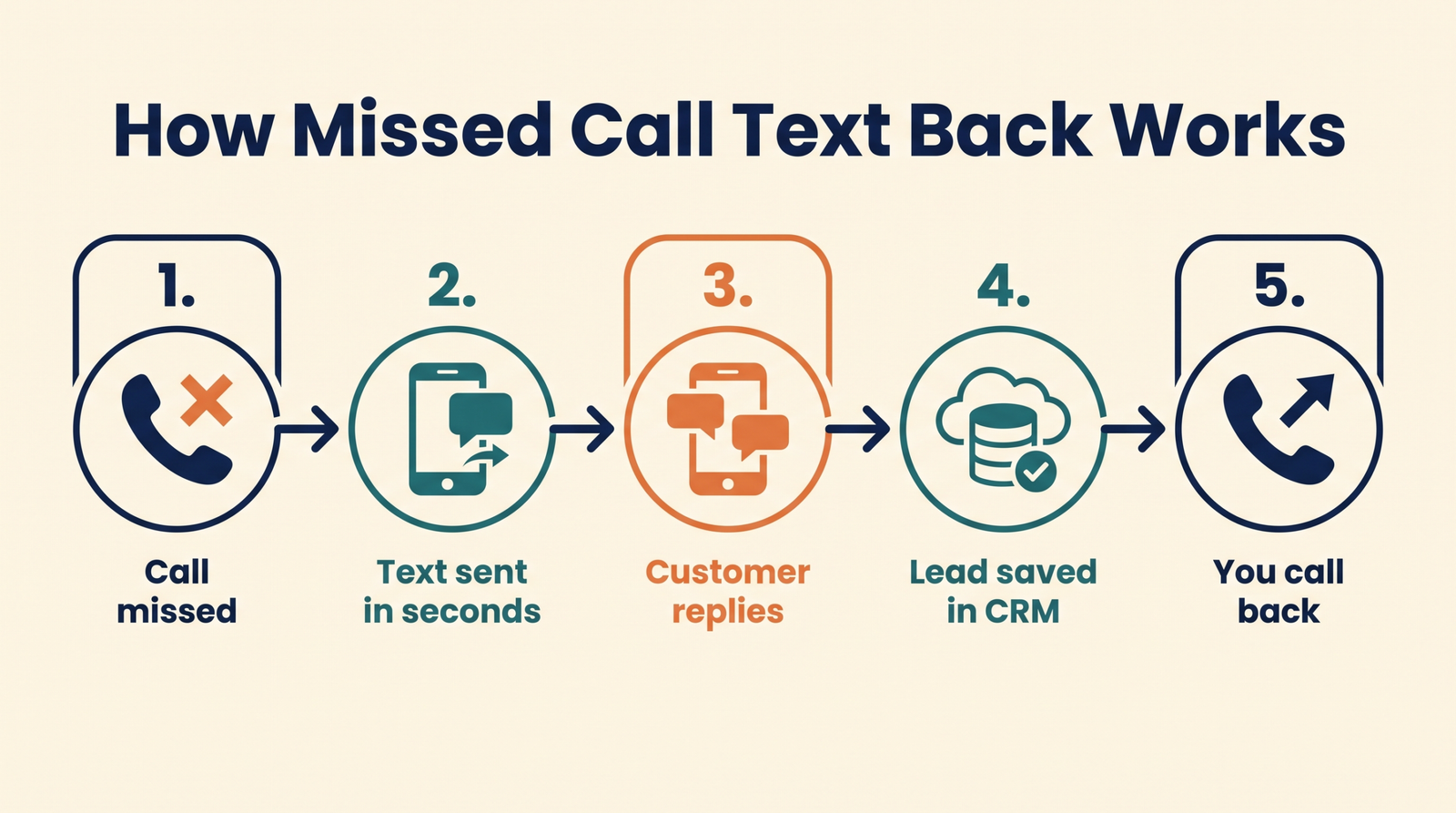
- A customer calls your business number, and nobody answers.
- Your phone system sees the missed call and triggers a workflow.
- The workflow sends a friendly text within seconds.
- The customer replies, and the reply opens a conversation in your CRM.
- You or your office reads the thread and follows up by phone or text.
Because the lead is saved automatically, nothing depends on someone remembering to write down a number.
Set up missed call text back for contractors, step by step
Most CRMs can do this, including GoHighLevel, which we use for clients. The exact buttons differ, but the build is the same everywhere.
Step 1: Put your business number in the CRM
First, connect the number customers actually call. This is usually the number on your website and your Google Business Profile. If your calls come in on a cell phone, forward them to a CRM number that can send texts.
Step 2: Create the workflow
Next, build a workflow with a trigger of “call missed” or “call not answered.” Add an action that sends a text. Then add a second action that creates a contact and tags it “missed call.”
Step 3: Write a short, human message
Keep it under 300 characters, and sound like a person. For example:
“Hi, it’s [Name] at [Company]. Sorry we missed your call. We’re on a job site right now. What do you need help with, and when is a good time to talk?”
This message asks one open question. As a result, most replies include the job type and a time window.
Step 4: Route the reply
Then decide who sees replies. A good setup alerts the owner or office manager by text and email. It also creates an opportunity in your pipeline, so the lead has a status from day one.
Step 5: Add business-hours rules
Finally, set different messages for work hours and after hours. After hours, the text can promise a callback first thing in the morning. During the day, it can promise a call within an hour.
Follow the texting rules in Canada and the US
Automated texting comes with rules, and they differ by country. This is general information, not legal advice, so check your own situation with a lawyer.
Canada: CASL
Canada’s anti-spam law applies to commercial electronic messages. According to the CRTC’s guidance, a sender must obtain consent, identify itself and include an unsubscribe mechanism. The same guidance describes implied consent for a recipient who made an inquiry within the past six months. A caller who phones you to ask about a job is generally making an inquiry, but you should still identify your company and offer an opt-out.
United States: TCPA
In the US, the Telephone Consumer Protection Act covers texts. Law firm Kelley Drye explains that marketing texts sent with automated systems require prior express written consent specific to the company, and that a consumer can revoke it. A one-time reply to someone who just called you is different from a marketing campaign. Even so, never keep texting after someone says stop.
In both countries, include your company name, honour opt-outs at once and keep a record of every message.

Measure whether it works
Track four numbers each month:
- Missed calls received.
- Texts that got a reply.
- Replies that became quotes.
- Quotes that became signed jobs.
Pair this with CRM reporting so each lead shows its source. Over time, you will see how many jobs came from calls you would otherwise have lost.
What it costs
Software is usually the small part. Plan for a CRM subscription, a small per-message fee and a few hours of setup. Setup is the tricky part, which is why many contractors ask for help. Brand Builds plans start at $2,100 CAD a month, about US$1,500, and include the follow-up systems around the text itself. See pricing for details.
Common mistakes to avoid
- Sending a long, salesy message that sounds like a robot.
- Forgetting to tell your team who answers replies.
- Texting at midnight with no mention of when you will call back.
- Ignoring opt-out requests.
Also, test the workflow yourself. Call your number from a personal phone, let it ring and check what arrives.
Plain-English glossary
Tap any term below for a simple explanation.
Missed call text back (an automatic text after a missed call)
A system that sends a short text to a caller within seconds of a call you did not answer, so they know you will respond.
CRM (customer relationship manager)
Software that stores every lead, message and quote in one place so nothing gets lost.
Lead
A person who has shown interest in your work, for example by calling or filling out a form.
Speed to lead (how fast you respond)
The time between a person contacting you and your first reply. Faster replies usually win more jobs.
SMS (short message service)
The standard text message sent between mobile phones.
Workflow (an automatic set of steps)
A rule in your CRM that says, when this happens, do that. For example, when a call is missed, send a text.
Trigger
The event that starts a workflow, such as a missed call or a submitted form.
GoHighLevel (a CRM platform)
A software platform that combines a CRM, texting, email and automation in one account.
Pipeline
The list of leads at each stage, from new enquiry to quote sent to job signed.
Opt-out
A customer’s request to stop receiving texts. You must honour it right away.
CASL (Canada’s Anti-Spam Legislation)
The Canadian law that sets rules for commercial messages, including consent, identification and unsubscribe options.
TCPA (Telephone Consumer Protection Act)
The US law that sets rules for calls and texts, including consent for marketing messages.
Google Business Profile
Your free Google listing that shows your phone number, reviews and hours on Search and Maps.
Conversion
When an enquiry turns into the result you want, such as a booked quote or a signed job.
Where Brand Builds fits
Brand Builds sets up CRM for construction companies, including missed call text back, lead routing and reporting. Review our pricing or book a free marketing audit, and we will check how many calls you are missing today. You can also read how we work and explore our services.
Frequently asked questions
It is an automatic text message sent within seconds of a call you could not answer. It tells the caller you will respond and starts a conversation that is saved in your CRM.
Rules differ by country. Canada’s CASL requires consent, identification and an unsubscribe option, and US TCPA rules require consent for marketing texts. Always identify your company, honour opt-outs and ask a lawyer about your own setup.
No. Several CRMs and phone systems offer the feature. We use GoHighLevel for clients because it handles calls, texts and pipelines in one account.
Within seconds is best. The goal is to reach the caller before they dial the next contractor, so a fast message beats a perfect one.
Software and message fees are usually modest, and setup takes a few hours. Brand Builds plans start at $2,100 CAD a month, about US$1,500, and include the wider follow-up system.